GamesLab Studio
The free platform for Scratch in the classroom — with emoji login, challenges, and a leaderboard.
Learning to program often comes with hurdles for kids: complicated logins, lack of motivation, no feedback. GamesLab Studio solves exactly these problems.
What makes GamesLab Studio special?
- Emoji login — kids log in with 5 emojis. No forgotten passwords, no email needed
- Challenges — structured programming tasks with XP rewards
- Leaderboard — friendly competition within the class (top 3 get medals)
- Share projects — present Scratch games directly on the platform
- Free — a completely free offer from KidsLab gGmbH
- Privacy-friendly — no personal student data needed
How it works
Emoji login
Forget complicated passwords! In GamesLab, students log in with 5 emojis as a username and 5 emojis as a password.

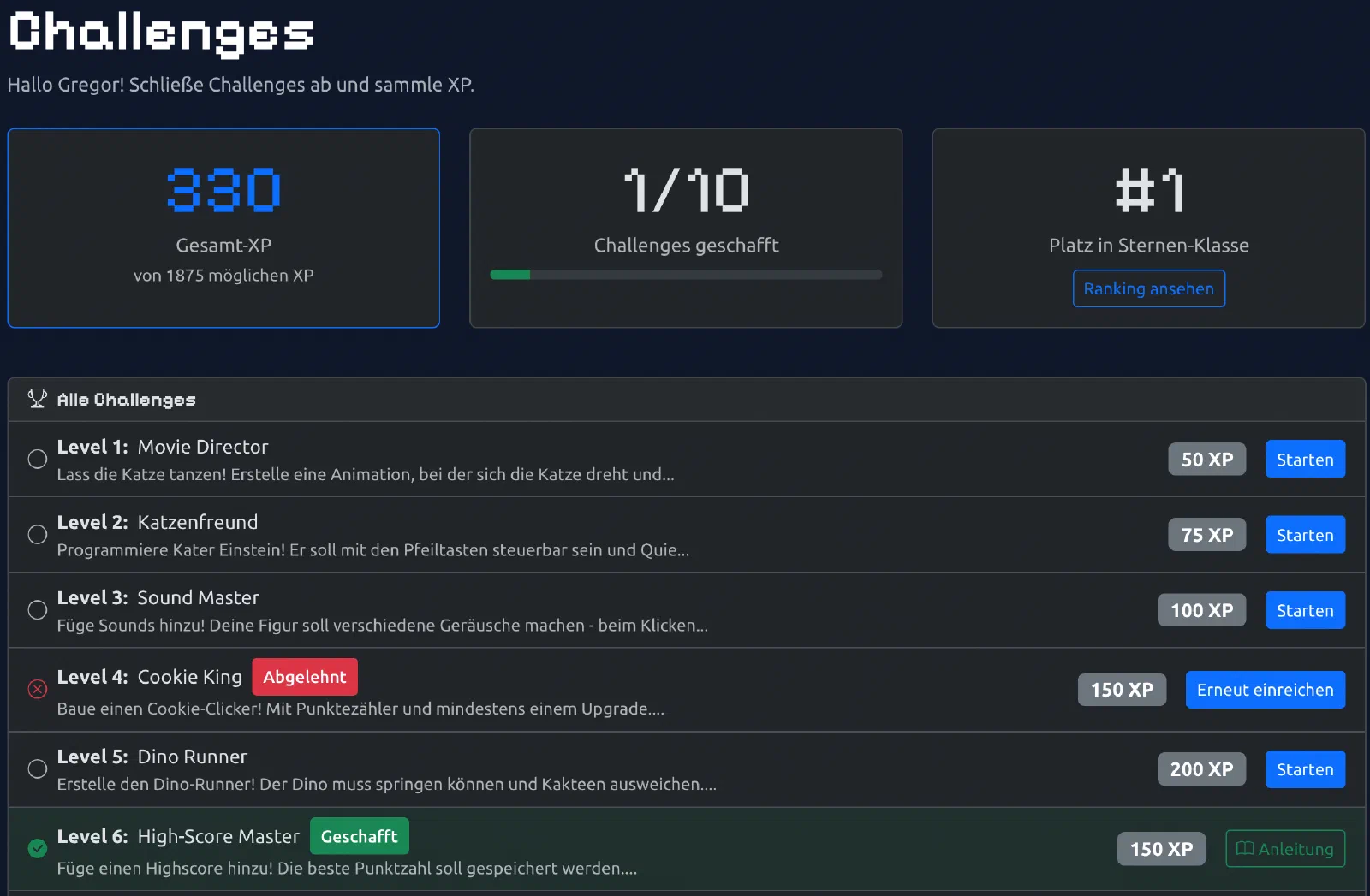
Challenges — tasks with rewards
Challenges are structured programming tasks — similar to homework, but with a reward system:
- Different difficulty levels (level 1–5)
- XP points as a reward
- GamesPreis challenges for the competition
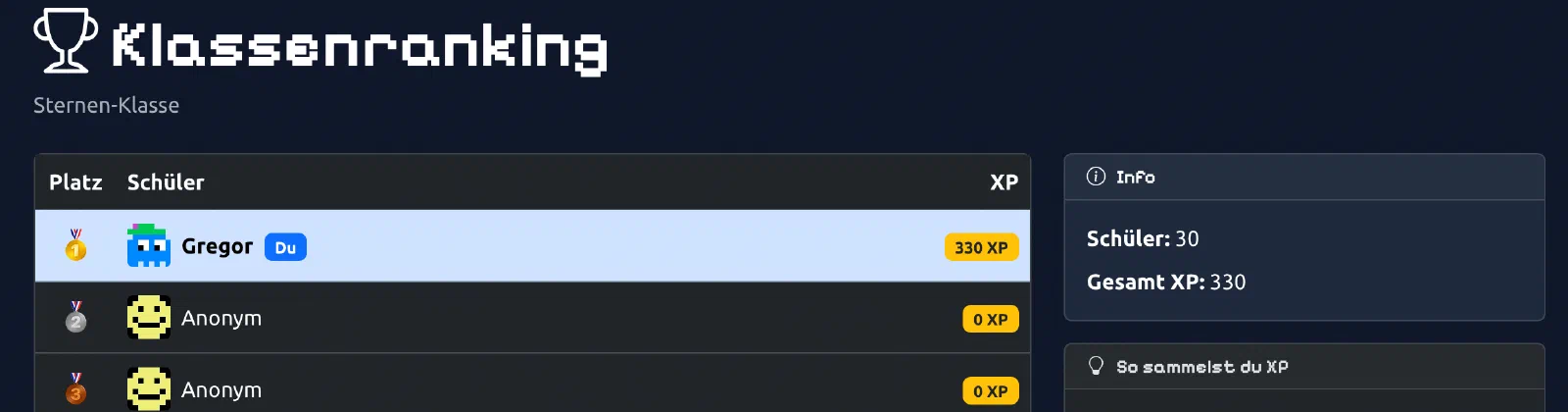
Leaderboard
The class ranking shows who has collected the most XP. Encourages friendly competition and motivates continued learning.
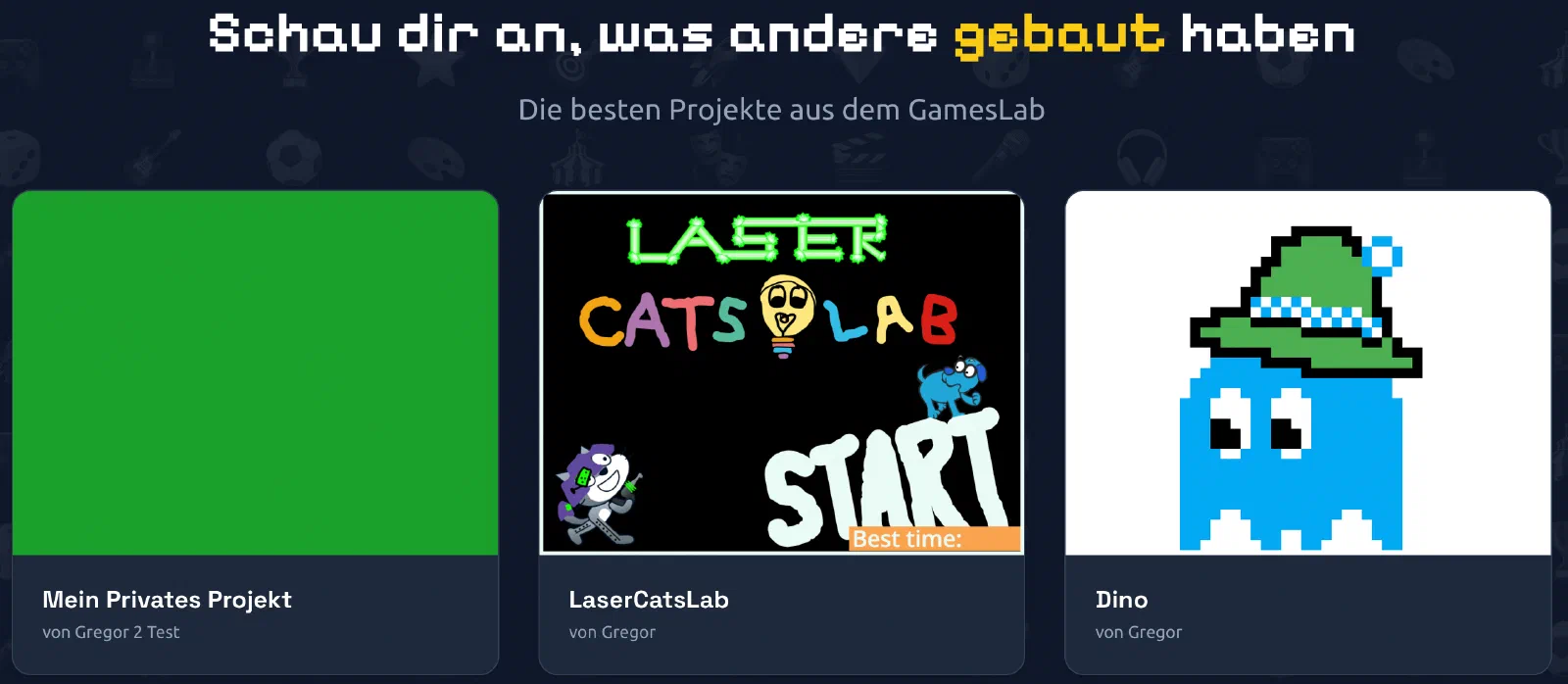
Projects & studios
Students can share their Scratch projects directly on the platform. Projects are organised into studios (collections) — perfect for classroom presentations.
For teachers
Why GamesLab Studio?
- Easy to get started — no complicated password management
- Motivation through gamification — challenges, XP, and leaderboards spur students on
- No account chaos — you create the logins, students don’t need an email
- GamesPreis — the best projects can enter the competition
How to get started
Create a class — set a name, grade level, and welcome message

Generate students — automatically create emoji logins for the whole class

Log in as a teacher — an overview of all classes and students

Print login cards — PDF with QR codes and emoji logins (2×4 per A4 sheet)
Assign challenges — select tasks and set deadlines
Review submissions — approve projects or send them back with feedback
Tips for the classroom
- Weekly challenges — regular small tasks work better than a few big ones
- Discuss the leaderboard — praise top performers, encourage others
- Present projects — have students show their games to the class
Frequently asked questions
“A student forgot their emojis” — no problem! Look up or reassign login details any time in the class management view.
“Can I have multiple classes?” — Yes! Create and manage as many classes as you like.
“Is the data safe?” — Yes. No personal data needed. The emoji logins are anonymous.
“Does it cost anything?” — No! Completely free.
Contact
Interested in GamesLab Studio for your school? Write to us: gameslab@kidslab.de